


Cloudpaging Player 9.5 provides some of the most impactful updates made to the software to date. The latest version of Cloudpaging Player is compatible with Cloudpaging Server versions 9.5.x and higher and supports all Cloudpaging appset versions.
It is important to note Cloudpaging Player 9.5.0 requires Windows 10 and above. Windows 8.1 and older are no longer supported.
Cloudpaging Player 9.5 Release Summary
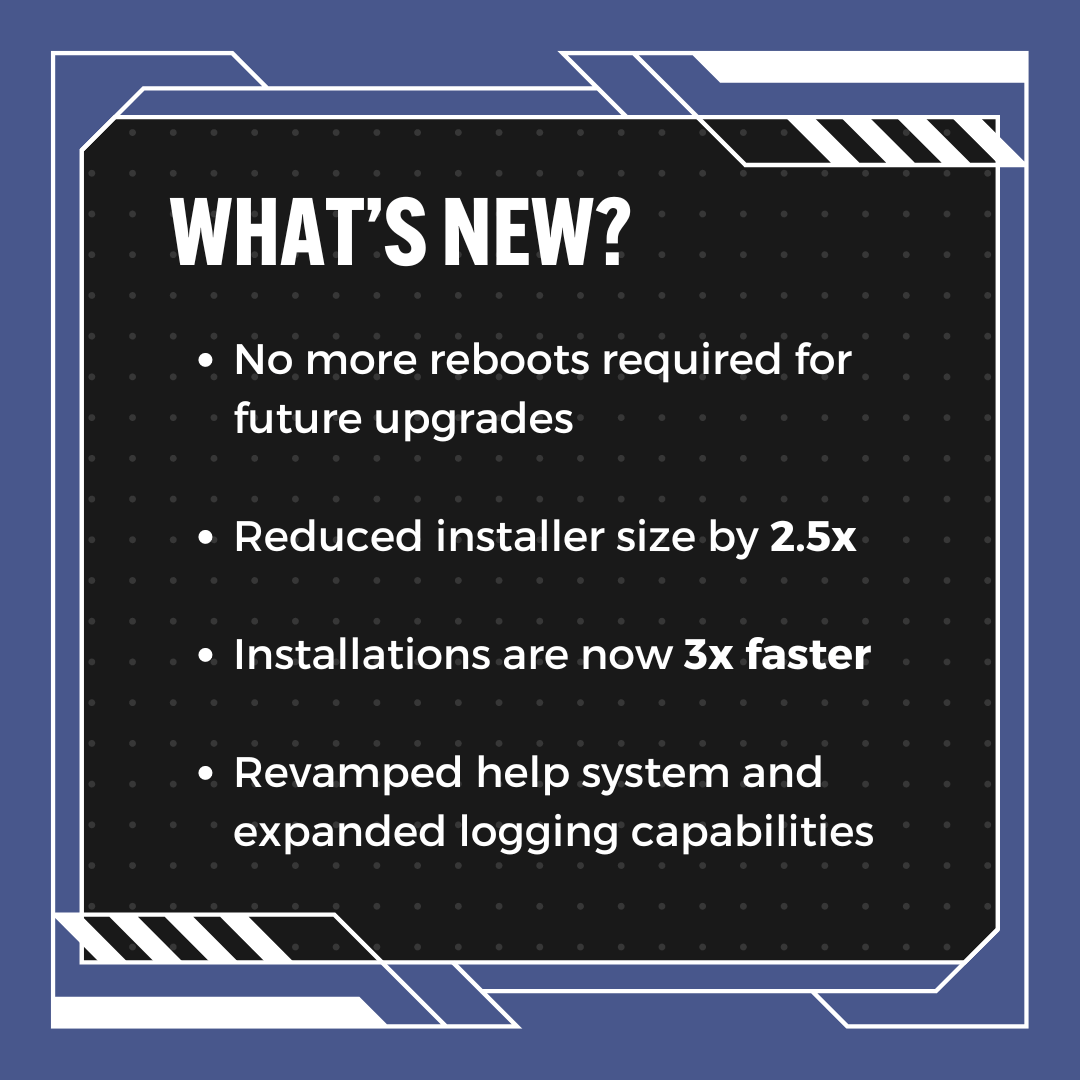
Breaking Down What is New with Cloudpaging Player 9.5
Cloudpaging Player is receiving significant upgrades to adhere to customer requests. The latest release is designed to enhance application launch times, performance, and logging, while simplifying and accelerating future upgrades.
No More Reboots for Future Upgrades
Microsoft Windows requires system reboots for updating filter drivers. Cloudpaging Player 9.5 introduces a major redesign to the Cloudpaging Player filter driver, which eliminates the need for desktop reboots for future upgrades of Cloudpaging Player.
In other words, you’ll be able to dynamically upgrade Cloudpaging Player in the same way you can dynamically update applications on end user desktops with Cloudpaging containers.
Smaller Software Footprint
Cloudpaging Player installations will be faster and smoother than ever. The new installer is just over 5MB, a sizeable difference to previous versions which were close to 20MB in size. Installations are now 3x faster, being executed in a matter of seconds.
For existing customers, file paths and registry keys have been updated for more consistent troubleshooting.
All in all, future upgrades of Cloudpaging Player will be smooth, fast, and consistent.
Cloudpaging Player installations are now 3x faster
Improved Performance
Cloudpaging Player 9.5 brings major performance enhancements. Application containers can be synchronously loaded, significantly reducing the time it takes for applications to be available to end user upon Windows login.
The implementation of temporary memory caching before writing to disk reduces bottlenecks when disk bandwidth is at a premium and optimizes when to flush cached data to disk. This will improve virtualization and launching speed on VDI environments when under heavy load.
We also optimized the paging source connection check mechanism to determine valid paging sources in a shorter time upon virtualization and application launching. This was achieved by reducing the number of connection round-trip tests to determine connectivity and also not reordering remote paging sources if connectivity test is successful.
Revamped Help System and Expanding Logging Capabilities
The launch of Cloudpaging Player 9.5 establishes a new web-based quick help to ensure you have all the latest information as soon as possible, replacing the old Help System.
We’ve also added unique Event IDs to Event Viewer logging to enable filtering. The latest release also adds logs for options configured with the Cloudpaging Player group policy (GPO). New registry settings will be migrating during the Cloudpaging Player upgrade for existing customers.
Additional Resources for Existing Customers
Existing customers can access the latest software and expanded release notes in the Numecent Download Portal at https://download.numecent.com. If you do not have an account or have lost your account details, please contact our support team.


