Application-Related Issues Get Overlooked
It’s simple. Without applications, your employees cannot work. Despite this fact, applications are consistently overlooked when addressing the Digital Employee Experience (DEX). While the emergence of Azure Virtual Desktop and Windows 365 introduce flashy new desktop environments, employees can’t reap the benefits if their applications won’t run on them.
With Windows 10 end of support next October and the emergence of Azure Virtual Desktop and Windows 365, now is the time you to modernize how you manage Windows applications. The fastest and most efficient way to do so is with Cloudpager.
In this blog, I’ll highlight how applications play into the DEX and how containerizing them empowers you to deliver a truly great application experience for end users and administrators alike.
Applications Must be at the Center of DEX
While application provisioning and management doesn’t grab as many headlines as the latest VDI and DaaS solutions, applications are the most critical component of End User Computing and for DEX. Your browser is an application. Your email client is an application. All software used by your employees to do their work are applications. So, why are applications being left out of the DEX conversation?
Traditional data points, such as service desk ticket data, are often used to track general application issues reported by employees. Unfortunately, it is common for service desk personnel to miscategorize tickets pertaining to application issues. Application issues are often resolved by simply re-imaging desktops without getting to the root cause.
Moreover, DEX platforms measure the Experience Score, which is intended to reflect the employee experience using applications. However, End User Computing (EUC) teams may not be able to dictate factors like storage and networking that impact how people perceive application performance. That said, they do have control over how applications are packaged, deployed, and presented to the employees. This is where Cloudpager comes into play.
Whitepaper
Our whitepaper outlines the top 5 application issues facing enterprise IT teams, the traditional approach for mitigating them (if there is one), and how application containers can prevent these issues from happening ever again.
Download the WhitepaperCloudpaging Containers Reduce Application Issues and Downtime
Cloudpaging application containers eliminate many of the common issues that plague Windows applications, including application conflicts, failed installations and upgrades, incomplete uninstalls, and more. With granular controls over what you can isolate from or integrate to the end user desktop and other applications, you can package virtually any application with their dependencies without sacrificing functionality or performance. This is true for your most complex legacy applications and modern SaaS applications.
SaaS Applications Still Require Local Resources to Function
Management of browsers and modern client applications leveraging the latest web frameworks utilized by developers for SaaS applications must be addressed by enterprises themselves and this can be done using application containers.
Cloudpager Streamlines and Accelerates Application Provisioning
Managing Cloudpaged applications with Cloudpager – a modern, cloud-native application provisioning platform – provides the means to quickly remediate any issues at the application level.
Not only will applications be able to run on any modern physical or virtual Windows desktop, IT can also dynamically manage application updates and changes from a single pane of glass. Using Cloudpager’s Workpods feature, application updates can be dynamically pushed to end user desktops in real time. Should there be an issue with any deployments, applications can be rapidly rolled back to a prior working state with the push of a button. This is paramount for today’s enterprise IT teams, as we saw with the recent CrowdStrike content update that caused a global IT outage.
On a company level, your employees no longer have to wait hours to receive application updates or revert to older application versions.
Customer Success Story
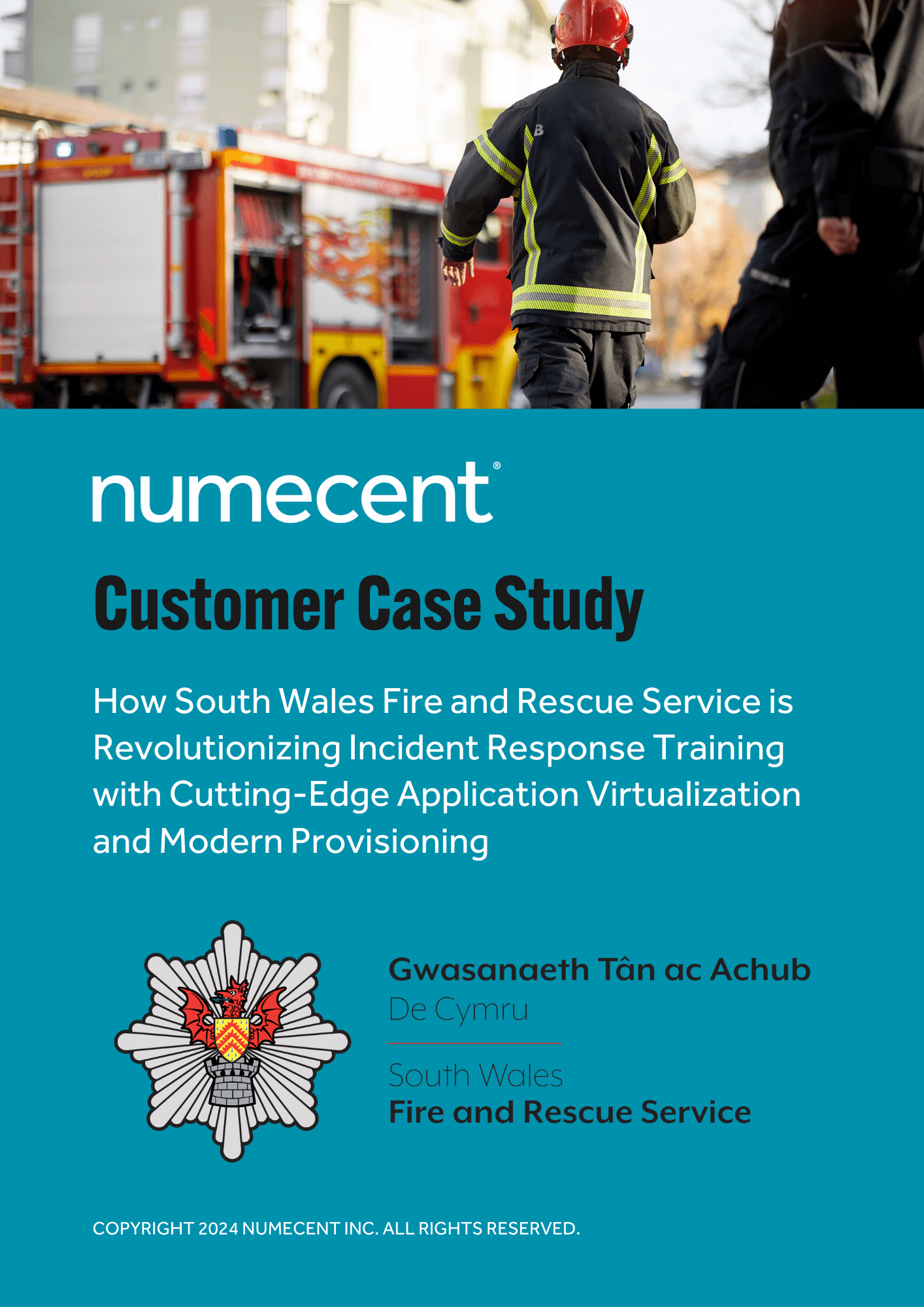
“The automated packaging is absolutely brilliant. I’m confident I can run these application packages and scripts to make apps available on our web portal in seconds. It’s a game changer for us”
Paul Iddon, ICT Infrastructure Manager at South Wales Fire and Rescue Service
Read the Case StudyGain Better Insight into the Application Experience with Cloudpager
Application Availability Does Not Tell the Whole Story
As organizations embrace SaaS applications there is a greater focus on measuring application availability. Some platforms will perform synthetic testing to analyze availability in real time. This is valuable as it helps customers track whether vendors are meeting agreed-upon SLAs and to provide visibility to the service desk and IT teams for when a service becomes degraded or unavailable so they can handle tickets appropriately but merely performing synthetic tests and loading SaaS applications alone does not paint the full picture when it comes to your SaaS applications.
What about the browser that is being used for those web-based SaaS applications or the other modern client software on your desktops that is being used? Just because the cloud hosted service is available, it does not mean your employees can access it optimally. If their client software or browser is misconfigured or inaccessible that is as much a blocker for them as a vendor induced service unavailability.
See the Bigger Picture with the Cloudpager Dashboard and Log Collection
Cloudpager meters all application usage and changes made within the platform, from application container updates to administrative controls.
If a user experiences an issue, administrators can pull logs directly from the Cloudpager administrative console. Without the need for end user involvement, you and your team can significantly accelerate root cause analysis and time to remediation. Learn more about the Log Collection feature here.
Conclusion
Applications are the foundation of the Digital Employee Experience. Employees want to be productive. Naturally, frustration builds when applications are not available or functioning properly. Moreover, end user productivity cannot be judged if people do not have access to properly functioning applications.
You cannot provide a good Digital Employee Experience without modernizing how you manage Windows applications. The best way to do that is containerizing all your applications with Cloudpaging and provisioning them across all physical and virtual Windows desktop environments with Cloudpager.
Request a live demonstration with our Solutions Architects so you can see how containerizing everything provides a seamless and high-performing application experience for end users and IT admins.